
Should I use Apple Photos or Fast Cleaner for duplicate photos?
Start with Apple Photos for the duplicates it identifies. Fast Cleaner is another option when you want to review similar photos, screenshots and large videos in a cleanup workflow. Inspect the actual files before confirming removal; similar pictures can capture different details.
Start with the duplicate tools already in Apple Photos. Review what is being merged and preserve important copies before cleaning up. Repeated imports, saved copies, and separate shots of the same scene can look alike while needing different decisions.
Quick answer
In current Photos layouts, open Collections → Utilities → Duplicates. Compare the items and use Merge for groups you want to combine. Older Photos layouts place Utilities under Albums. Apple introduced duplicate detection in iOS 16.
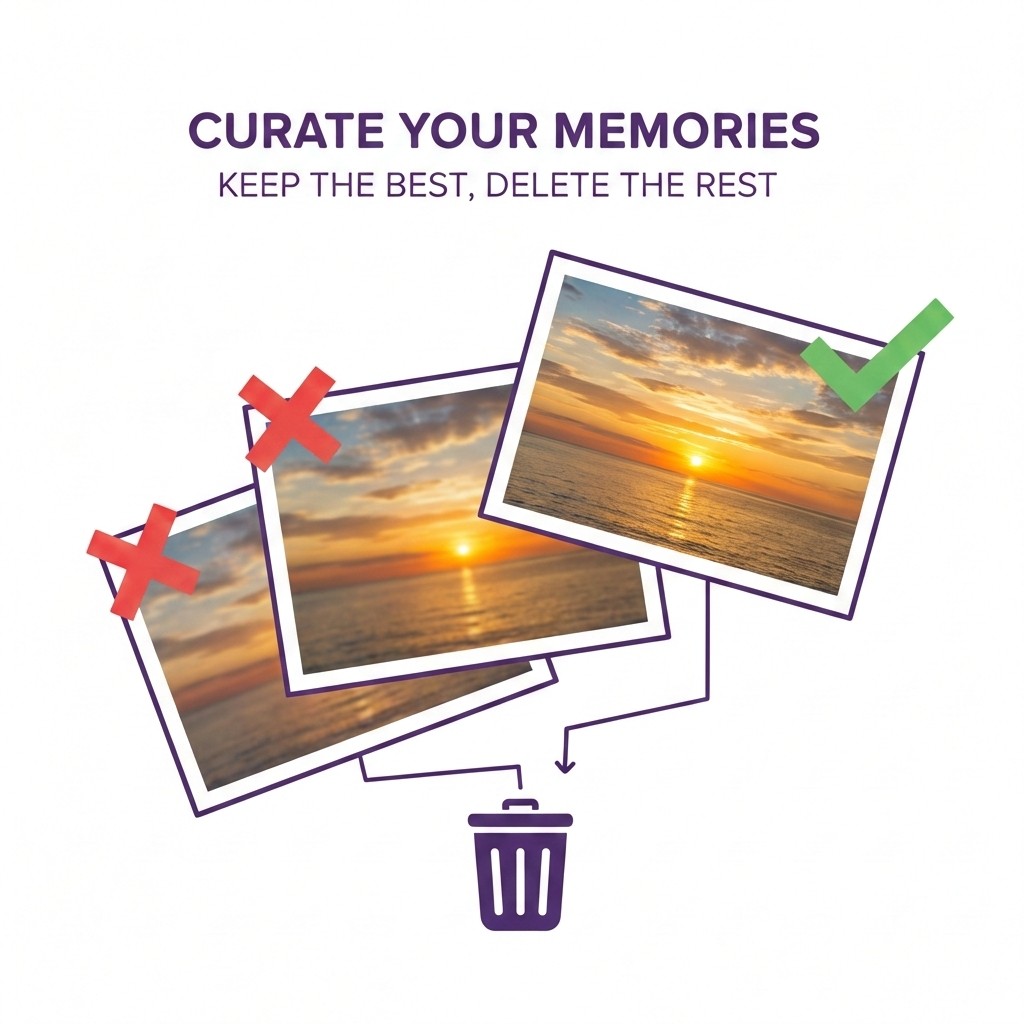
Before merging or deleting
Preserve a separate, verified copy of irreplaceable pictures. Read Apple’s iCloud deletion and recovery guidance: a change in a synced library can affect other devices, and recovery has exceptions.
Look at faces, dates, crops, edits, resolution, and meaningful details. Two shots taken a moment apart may each be worth keeping. A visually similar image is a reason to compare, not an instruction to delete.
Use Photos to merge identified duplicates
- Open Photos and find Collections → Utilities → Duplicates, or Utilities under Albums in an older layout.
- Inspect a group and open images for a closer comparison.
- Tap Merge for the group you want to combine and read the confirmation.
- Check the remaining image and its details before proceeding to more groups.
Follow Apple’s merging instructions for your software version. Start with a small batch so you understand the result before making a larger change.
If Duplicates does not appear
Apple’s detection guidance says the phone must be locked and connected to power. Indexing and detection may take a few days, depending on the library and background tasks. No identified duplicates also means no Duplicates collection.
Our missing-duplicates troubleshooting guide separates detection delays, the absence of identified matches, and a third-party app’s limited photo access.
Review similar shots separately
Burst frames, different expressions, and edits can each have a purpose. Compare them manually or use a tool that groups likely similar images. Avoid assuming that either a native tool or a separate app will classify every pair the way you would.
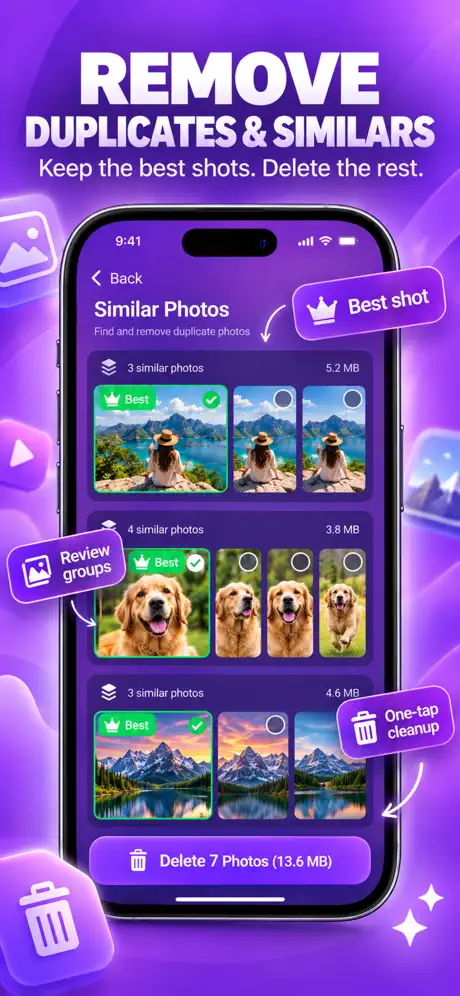
Fast Cleaner offers duplicate and similar-photo review. Inspect the groups, change any suggested selection, and read the removal confirmation. Feature availability depends on the platform and version; there is no universal scan time or guaranteed amount of space recovered.
For choosing between related pictures, see our similar-photo guide. Before granting access, use the cleaner safety checklist. Apple explains full and limited photo permissions; a separate app can only review the media you make available to it.
Prevent copies you do not need
- Review saved media and automatic photo-saving options in the messaging apps you use; controls vary by app and version.
- After a burst or rapid sequence, choose favorites while the difference between shots is still clear.
- Check whether an editing or export workflow creates a separate file before importing it again.
- Review new clutter periodically instead of relying on a fixed cleanup schedule or expected saving.
Finish by checking Settings → General → iPhone Storage. If the warning remains, follow storage troubleshooting after deleting photos rather than deleting more pictures blindly.
Frequently Asked Questions
Does iPhone have a built-in duplicate finder?
Yes. Starting with iOS 16, Photos can identify duplicates and offer merging. In current layouts, look under Collections → Utilities → Duplicates; older layouts place Utilities under Albums.
Why is the Duplicates collection missing?
Photos needs to index the library and identify duplicates. Apple says detection requires a locked iPhone connected to power and can take a few days. If no duplicates have been identified, the collection does not appear.
Will deletion affect iCloud Photos?
Yes, when iCloud Photos is enabled, deleting media can remove it from your other synced devices. Preserve important files separately before cleanup.
Can I always recover a removed photo for 30 days?
Do not rely on that guarantee. Recently Deleted normally provides a 30-day recovery window, but permanent deletion removes that option. Apple also documents an exception when your iCloud storage limit has been exceeded.
How much space will removing duplicates save?
It depends on the files, their sizes, and which copies are stored locally. Review the selection and compare device storage before and after; an item count is not a storage measurement.
Want help reviewing your media?
Explore Fast Cleaner’s duplicate, similar-photo, and video tools. Check platform features and pricing before installing.
Fast Cleaner publishes this guide. Our privacy policy describes on-device media analysis and separate limited analytics. Product descriptions are developer statements; storage results depend on your files and choices.
Apple Photos, Fast Cleaner, or manual review?
| Approach | Useful for | Check before removing |
|---|---|---|
| Apple Photos Duplicates | Merging groups that Photos has identified. | Review the group and understand synced deletion. |
| Fast Cleaner | Grouping duplicate and similar photos for your review. | Check permission scope and inspect the selected items. |
| Manual comparison | A few important pictures, edits, or different moments. | Compare faces, text, crops and original versions. |
Apple documents a built-in merge workflow for identified duplicates. This is a useful starting point; it is not a speed or accuracy comparison with third-party apps.
Platform source: Apple — Merge duplicate photos and videos, checked November 21, 2026.

Where Fast Cleaner fits
Fast Cleaner helps you review suggested groups while you decide which images to keep. Its Android edition is free and listed as Duplicate Photo Cleaner AI by CrocApps; the iPhone app has a separate pricing model.
Fast Cleaner’s privacy policy describes on-device media analysis with separate limited analytics. Compare Android and iPhone pricing.
Continue with Can Fast Cleaner help when iPhone Duplicates is missing?.
Reviewed November 21, 2026. Follow the linked Apple guidance for your software version. Menus and available features vary by device. Examples are illustrative, and no fixed cleanup result is promised.