Practical guides to phone storage, photo cleanup, and privacy for iPhone and Android.
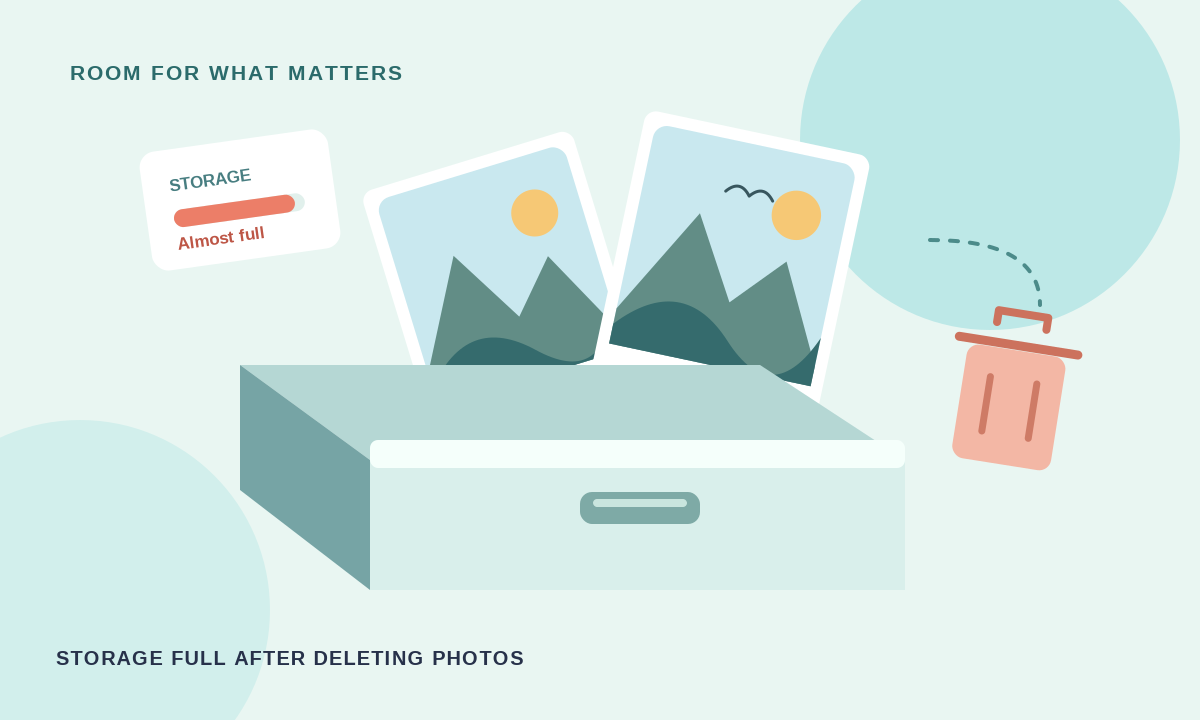
Follow the storage numbers, not the photo count. Find out what changed, what is still using space, and what to review next.
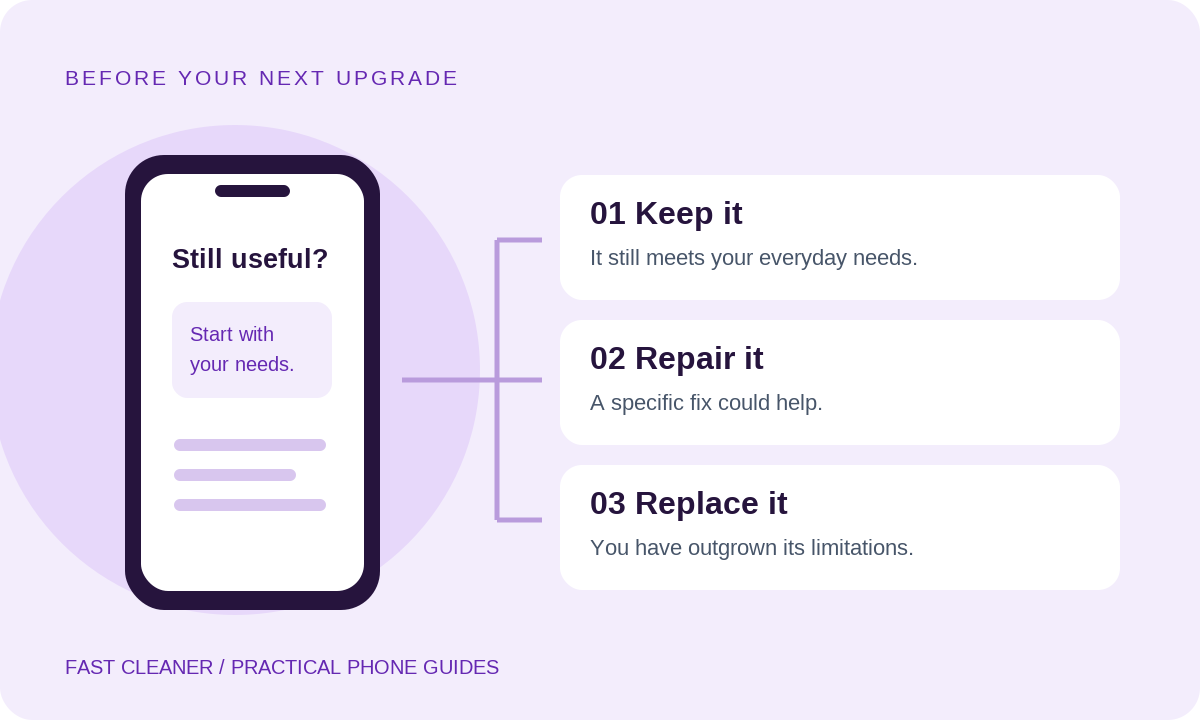
Compare keeping, repairing, and replacing your phone with a practical checklist.
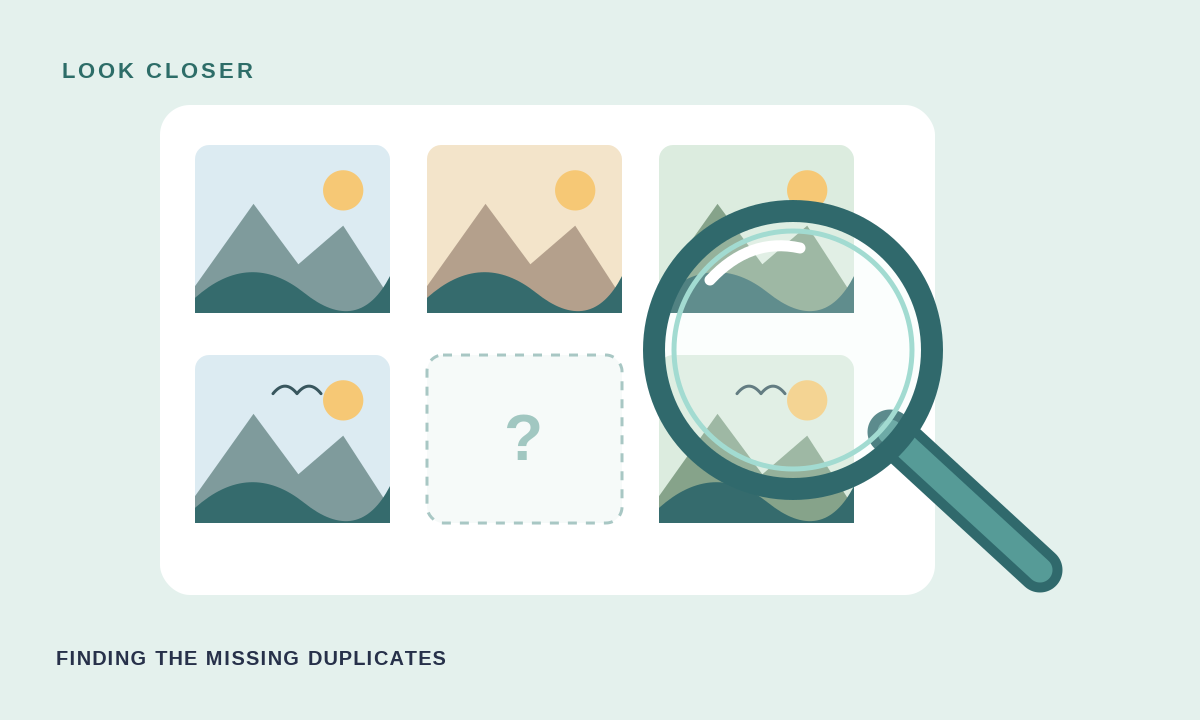
A missing Duplicates collection is not always a fault. Check detection, library access, and the difference between duplicates and similar shots.
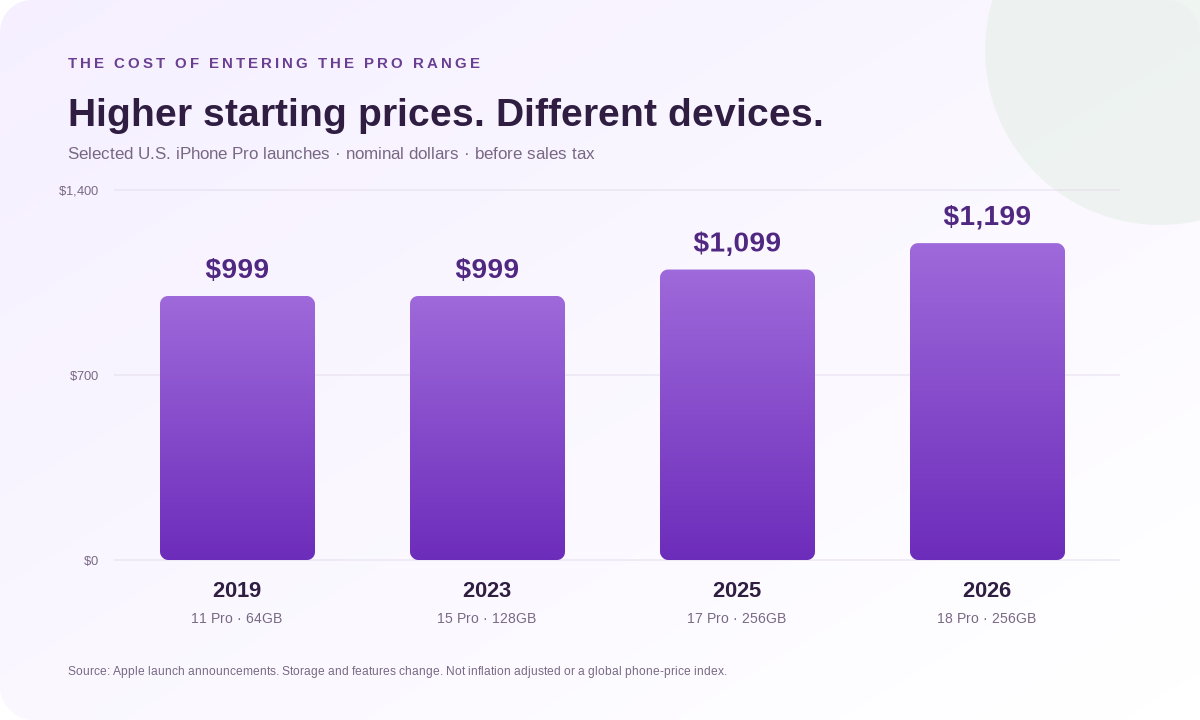
Compare selected phone prices, recurring cloud bills, and changing memory forecasts before paying for more space.
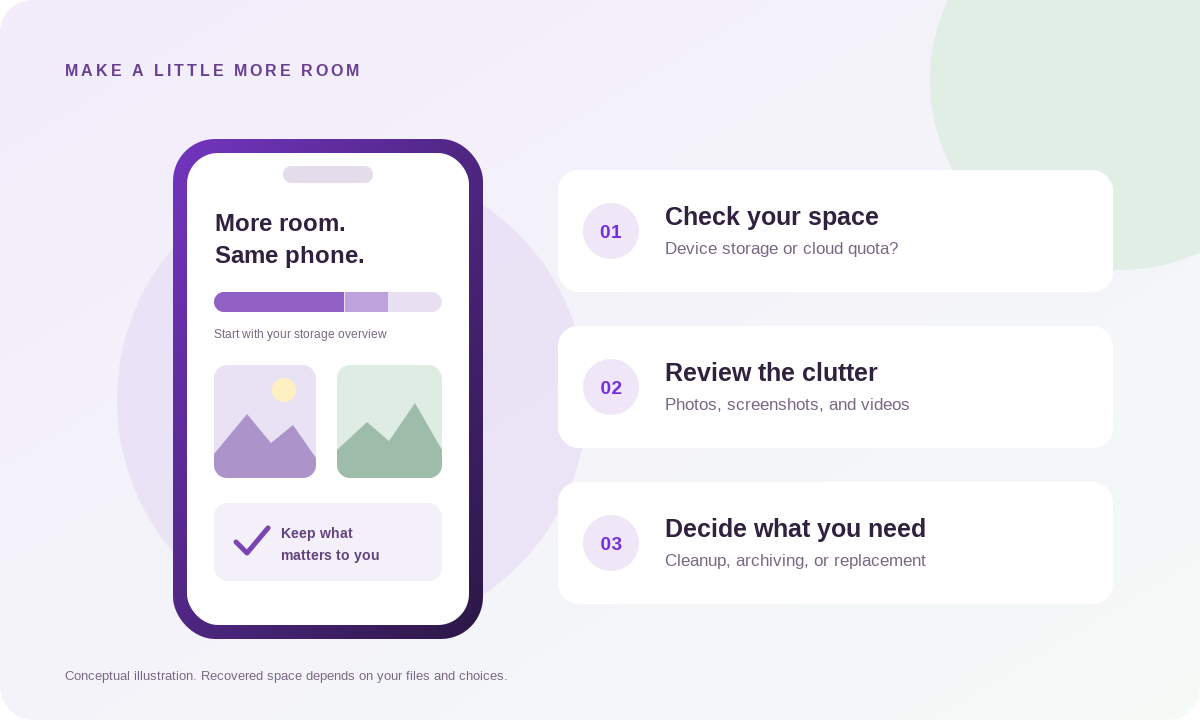
Compare cleanup, cloud storage, and replacement. Use the interactive guide and your own prices to make a more informed decision.
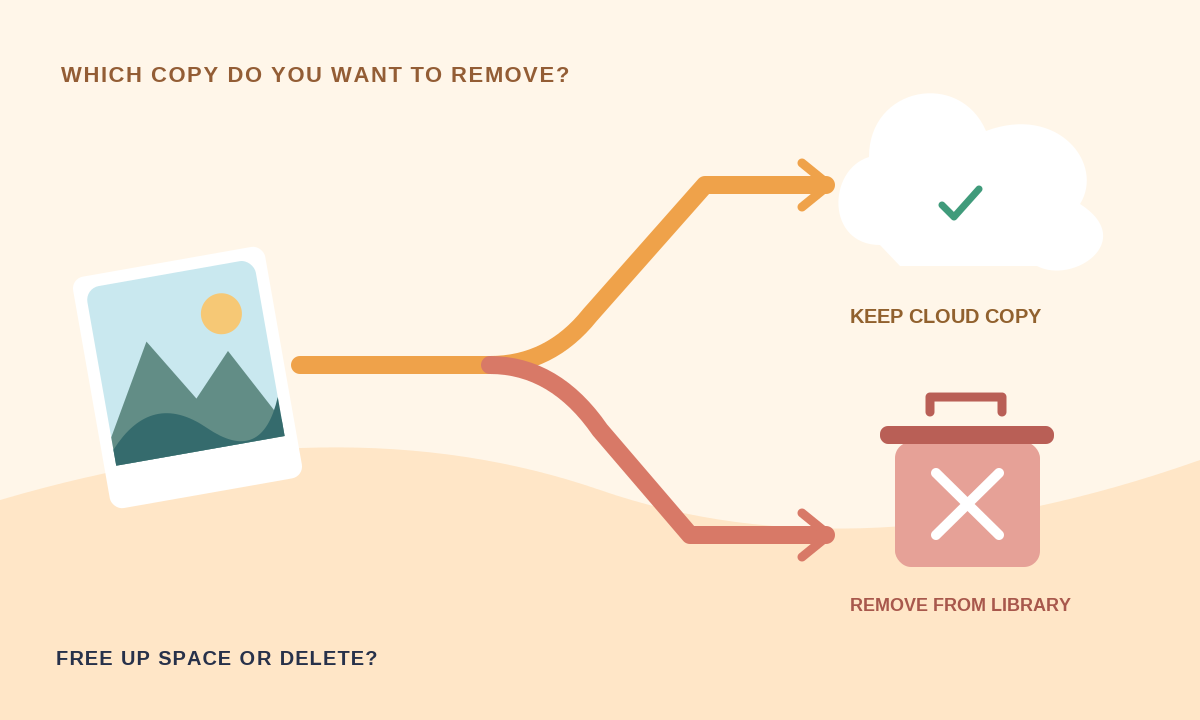
Keep the memory, remove the right copy. Understand device cleanup, library deletion, and what will still work offline.
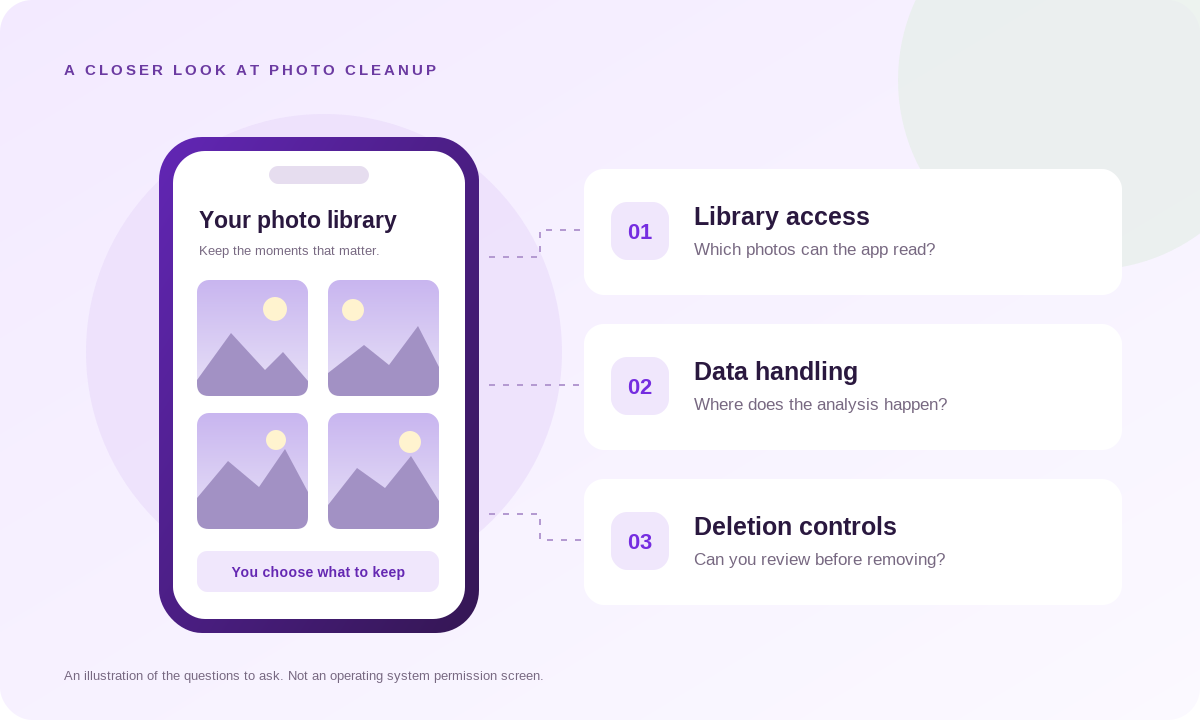
Check permissions, photo uploads, deletion controls, and pricing. Use the interactive worksheet and verify the facts with Apple and Google.

Understand local media analysis, uploads, and analytics before giving a cleaner access to your photos.
Check your storage breakdown, preserve important files, and choose from ten practical cleanup methods.
Use Photos to review duplicates, understand missing results, and compare similar shots before removal.
Export smaller copies, compare quality and compatibility, and decide what to keep before deleting originals.
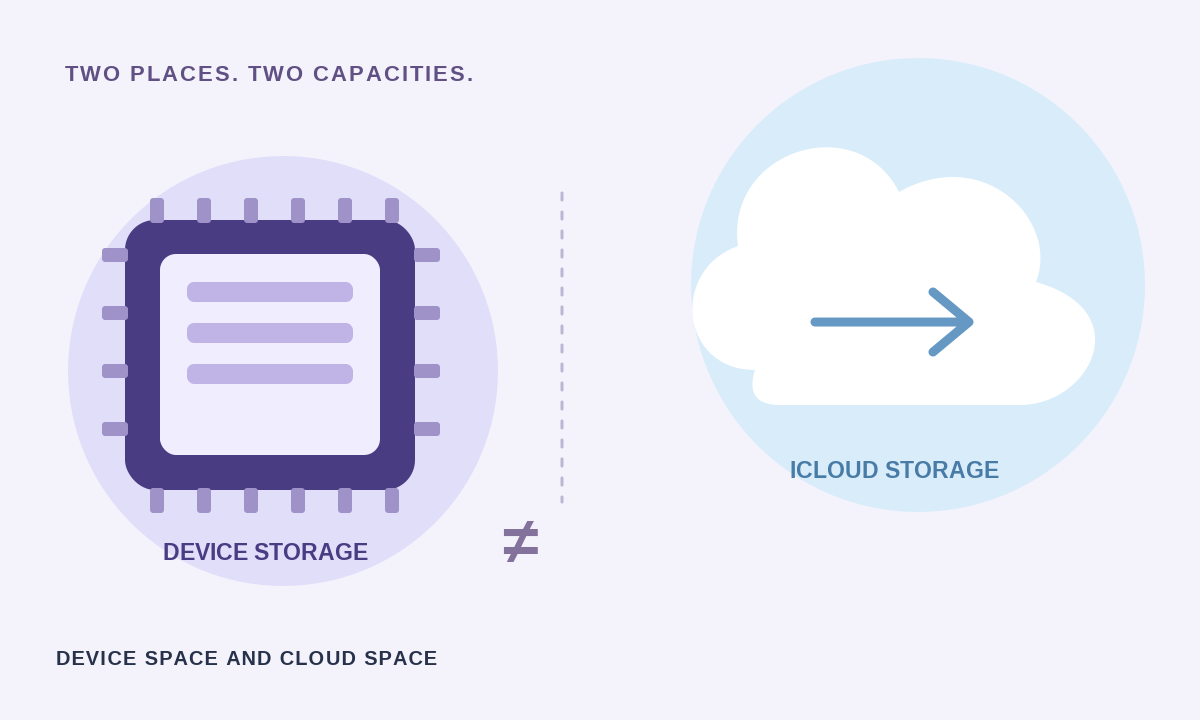
Two storage meters, two different problems. Match your warning to the right capacity before buying a plan or deleting files.
Find the category behind a storage warning and choose the next check before deleting anything.
Find the biggest storage categories and explore ways to clear photo clutter and large videos.
Learn how video compression works and how to review smaller videos before removing the originals.
Find screenshot clutter, review what you want to keep, and delete unwanted screenshots in batches.
Explore how to find duplicate and similar photos and review your selection before deleting copies.
Learn how on-device photo processing works and what it means for your personal media.
Download Fast Cleaner and free up gigabytes of storage today.