Everything you need to know about Fast Cleaner.
How does Fast Cleaner help free up storage?
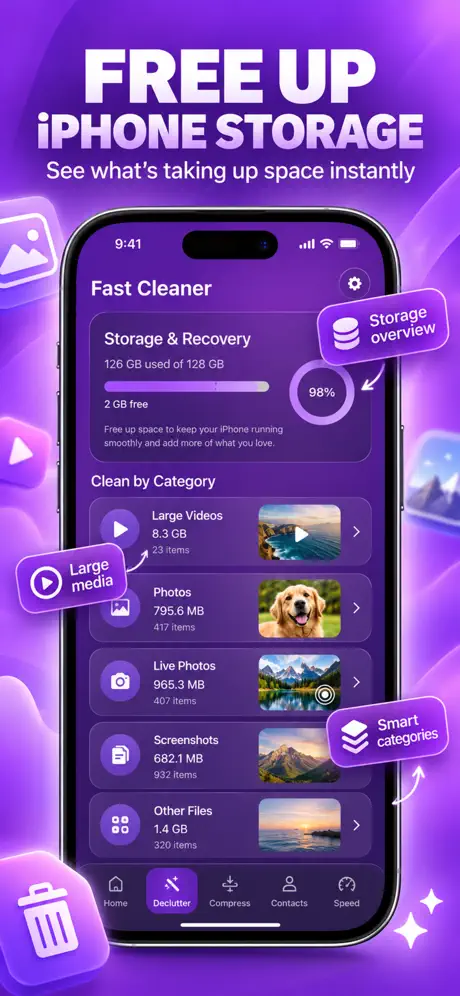
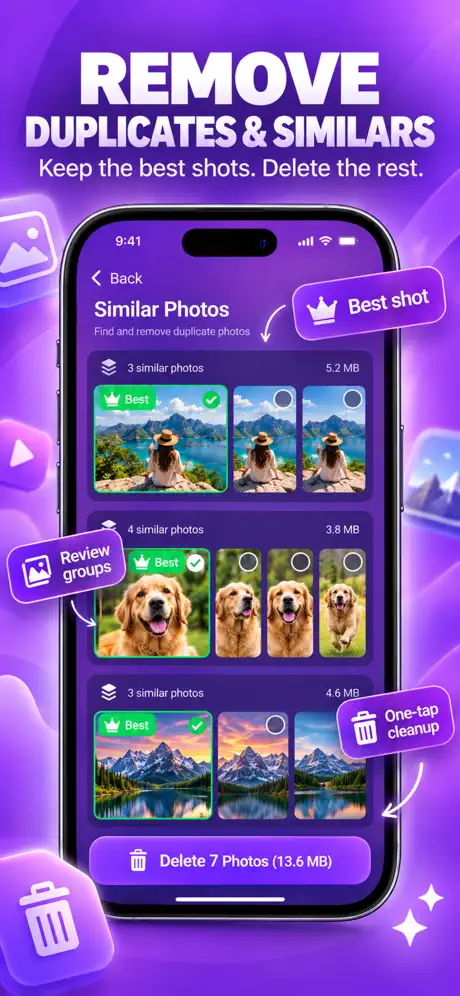
Fast Cleaner surfaces the biggest storage wins first. Use it to find duplicate photos, similar images, screenshots, junk images, and large videos so you can review and remove clutter from one place.
Is Fast Cleaner available on Android and iPhone?
Yes. Fast Cleaner is available on both Android and iPhone. Some behaviors can vary by platform version, permissions, and the media APIs available on your device.
Does Fast Cleaner upload my photos to a server?
No. Core cleanup flows are designed around on-device processing, so your personal media does not need to be uploaded to our servers for duplicate and junk detection. Learn about our privacy approach →
Can I review items before deleting anything?
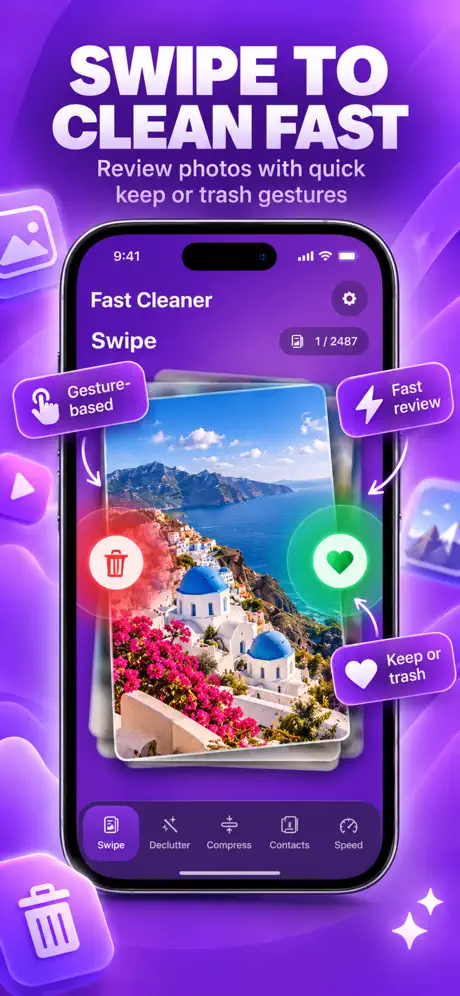
Yes. Fast Cleaner groups likely cleanup candidates so you can review duplicates, screenshots, and videos before confirming removal.
How much storage can I free up?
Storage savings vary by library size. Duplicate photos, similar shots, screenshots, and uncompressed videos often account for a surprisingly large share of device storage.
What should I clean first if my storage is full?
Start with the biggest categories: duplicate and similar photos, large videos, and old screenshots. These are usually the fastest ways to reclaim space without uninstalling apps you still use.
Can Fast Cleaner compress videos too?
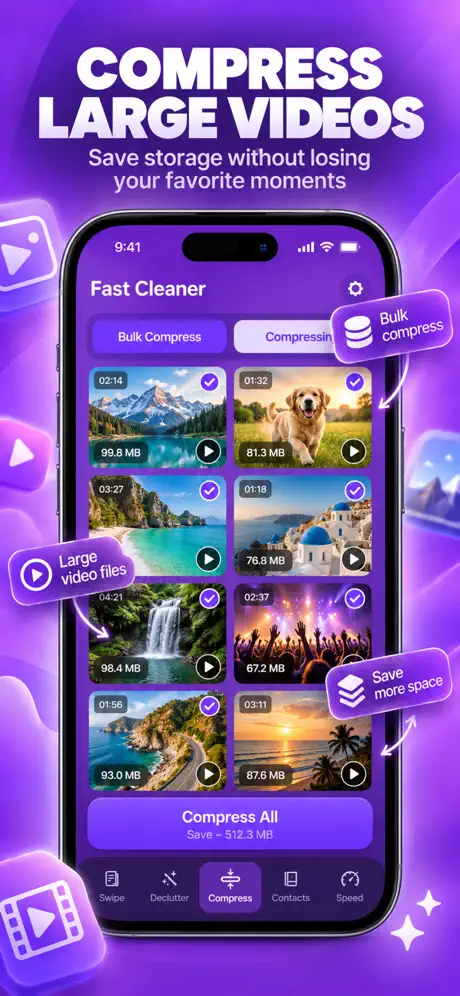
Yes. Fast Cleaner includes video compression tools to help you shrink large recordings and recover storage faster. See one of our video compression guides →
Do I still need to review duplicates manually?
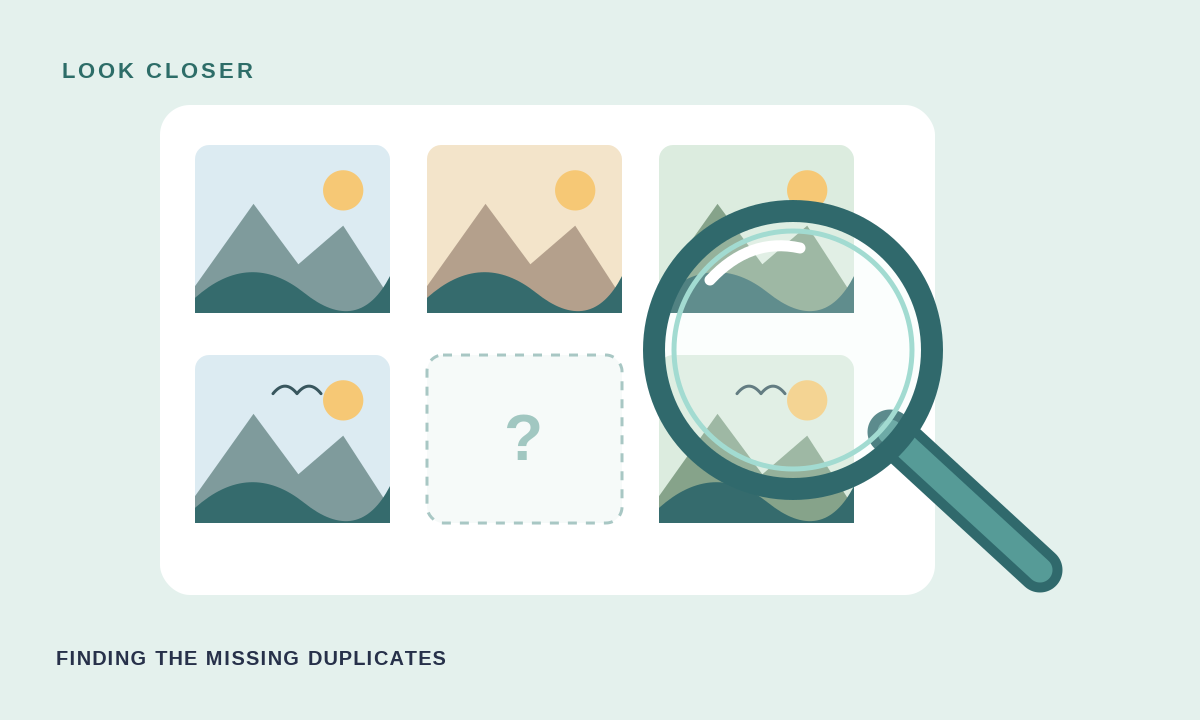
Yes, and that is intentional. Fast Cleaner helps you find likely duplicates and similar shots faster, but review is still important because only you know which copy you want to keep.
Can I use Fast Cleaner offline?
Yes. Because core cleanup flows are designed to work on-device, you can scan and review storage issues without depending on a constant internet connection.
Is there a free version? What do I get?
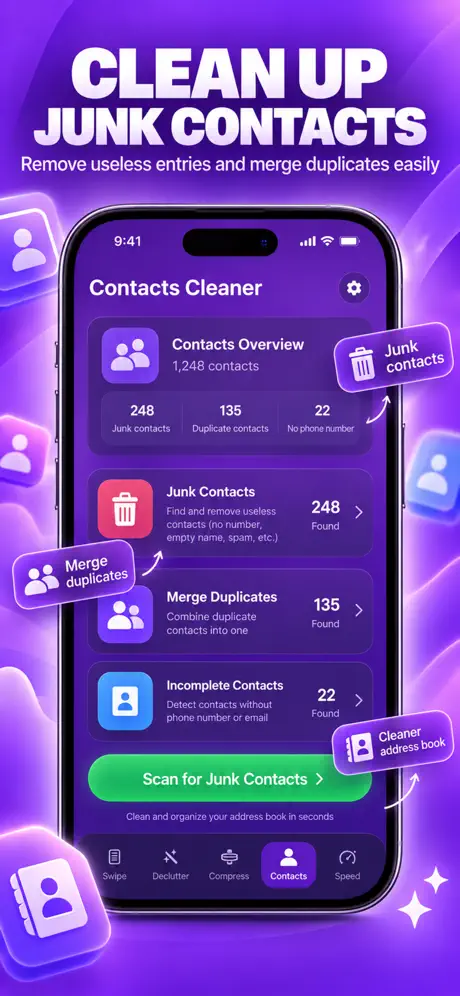
Yes, core features are free forever. Scan your library, find duplicates, and clean up to 50 items free. Premium unlocks unlimited cleanup, video compression, contact merging, and priority support. Most users try free first, then upgrade when they see how much space they can save.
Will compressing videos make them look bad?
Fast Cleaner is designed to preserve visual quality. Video compression can reduce file sizes substantially, especially for large recordings, while keeping output suitable for everyday viewing and sharing.
How long does the cleanup process take?
Just a few minutes for most libraries. Scanning typically takes 1-3 minutes depending on your library size. The actual cleanup is instant — select what to remove and tap Clean. Video compression takes longer (about 10-30 seconds per minute of video) but runs in the background.
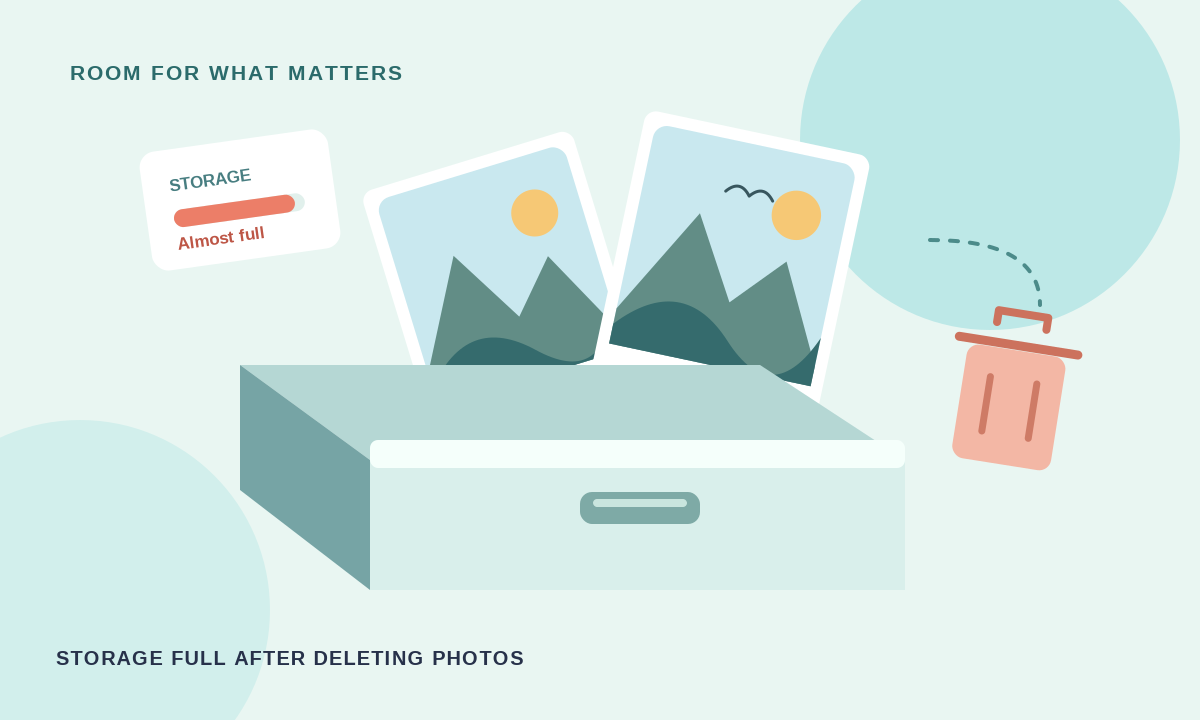
Why is my phone storage full even when I delete a few photos?
Usually because the biggest space hogs are not isolated single photos. Large videos, duplicate images, screenshots, downloads, and cached media tend to build up gradually and can consume tens of gigabytes before you notice.